Planning
OmniMove can use different types of scheduling at the customer. This depends, among other things, on the number of technicians, the types of assignments and if the planning must be static or very dynamic.
Below some options:
OmniMove MobileForms
The scheduling order is entered via the app or a web form, including:
- Order details - usually linked to the API/Datasource connector
- Customer details - usually linked to the API/Datasource connector
- Object(s)
- Job description
- Service technician
- Appointment date and time
This can be configured manually, for example, to include additional charging addresses, inspections, or other information to help the service technician complete their order as effectively and efficiently as possible.
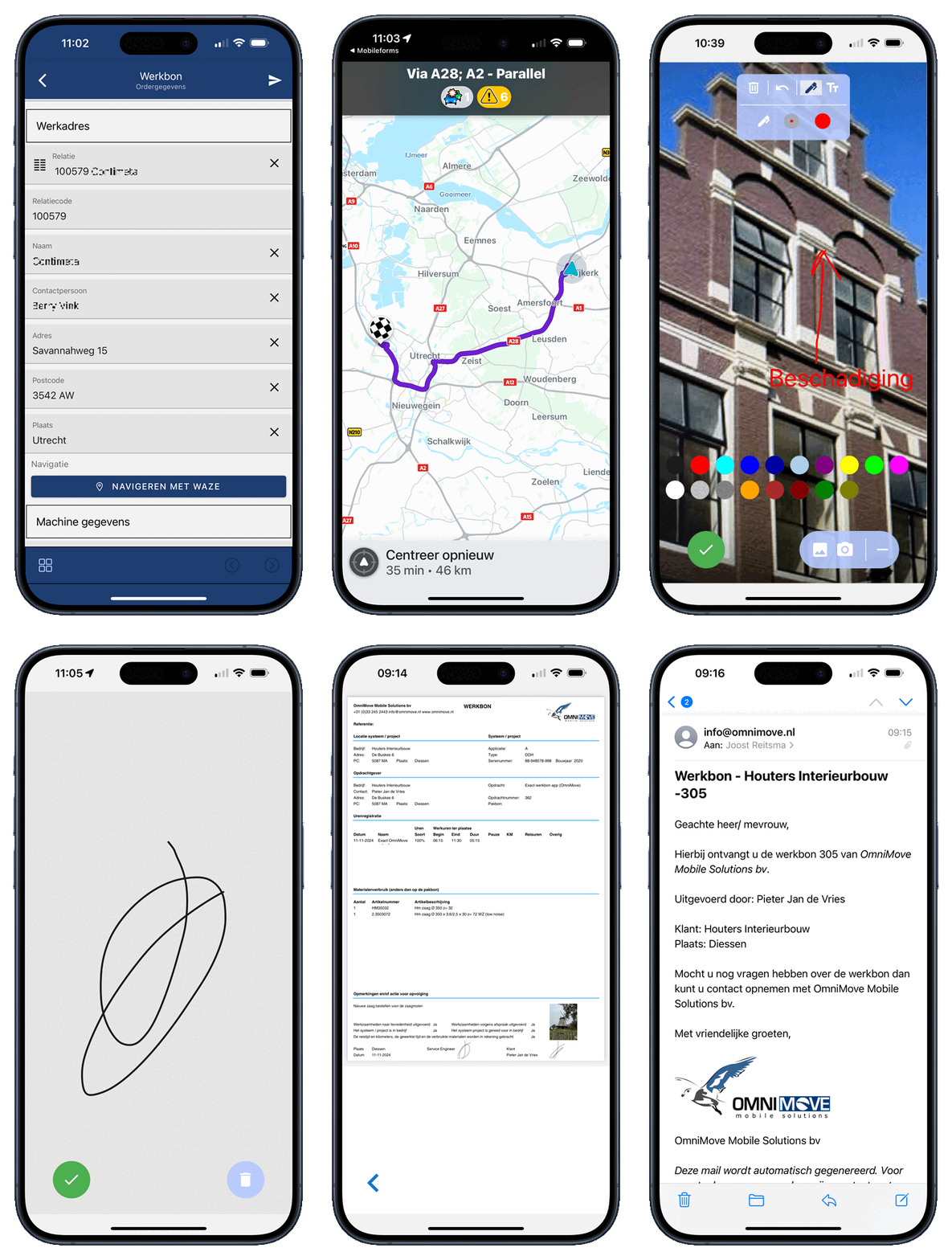
The orders are automatically placed in the correct order with the service engineer. The service technician opens his assignment and the information already known is already filled in as much as possible. The service engineer fills in this data with hours, material consumption, inspections, photos and has the customer sign for approval.
OmniMove schedule
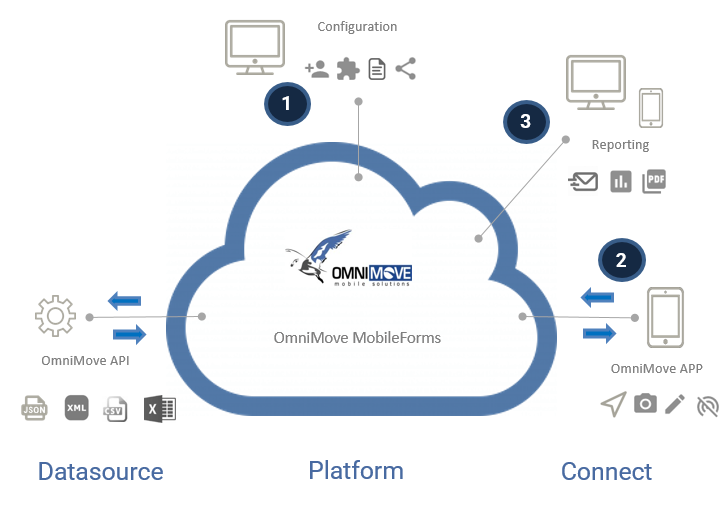
With the OmniMove API data source connector, data such as order information, customer, date and technician come from;
- your own service (planning) system
- an Excel
- or OmniMove MobileForms webform
Assignment is entered in an OmniMove webform. With the dispatch function, the job is automatically assigned to the engineer.
Ortec
The customer can schedule his appointment online 24/7. Before the appointment, the client is automatically and timely informed in order to reduce the chance that the client has forgotten the appointment or is not at home.
The assignments are assigned to the engineers in the most optimal route.