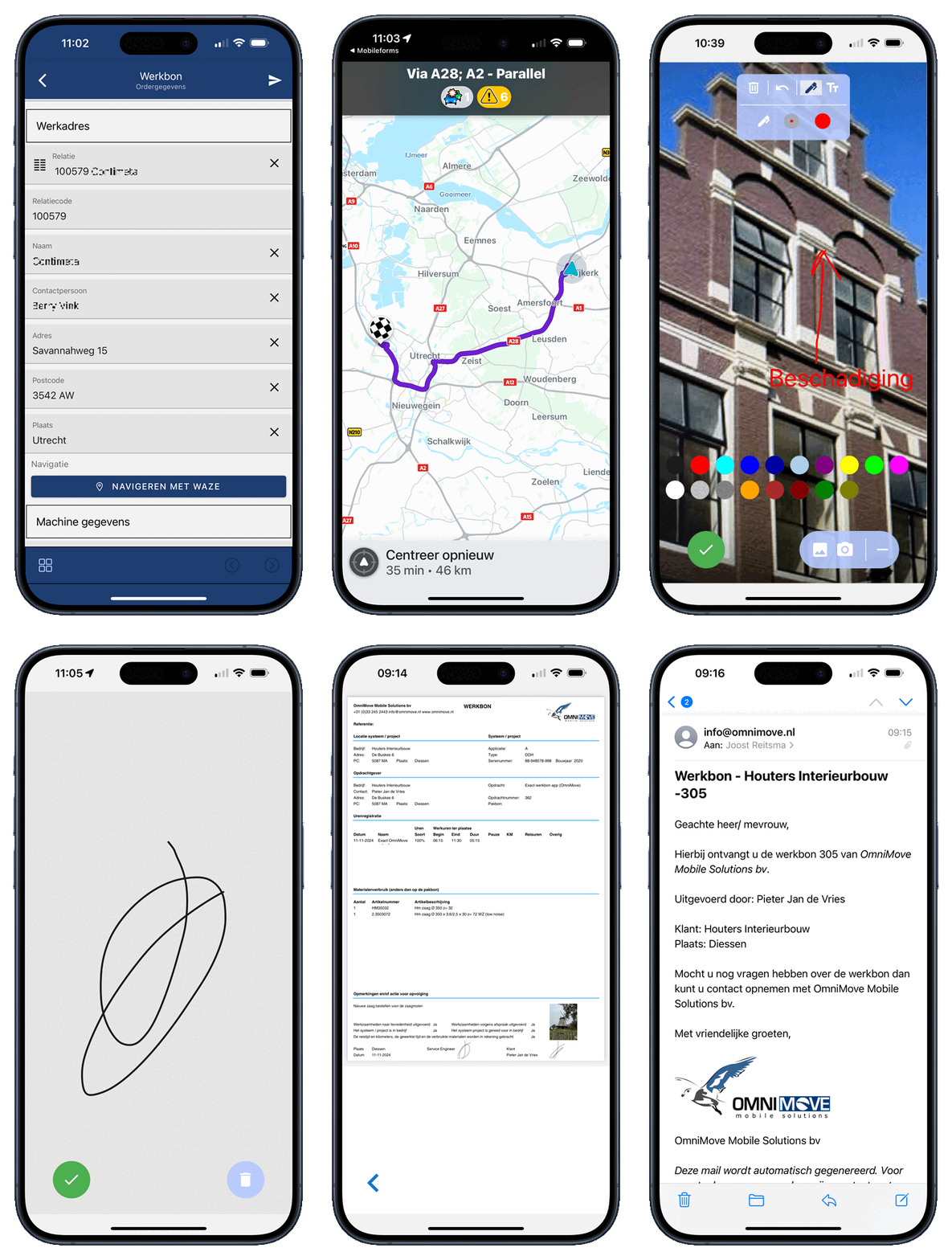
The OmniMove Wefact work order app makes working even easier!
In the OmniMove Wefact work order app, you can retrieve orders with contact and item details directly from Wefact.
The technician's details are automatically transferred to the app.
The work order app can be filled in with:
- Hours
- Object details
- Job
- Item/Material as entered in Wefact (the data is automatically transferred during selection)
- Photo
- Signature
- Inspections and 1001 other forms
If approved, you can have the customer sign the work order immediately.
The customer will receive the digital work order or quote in their email as a PDF in your own layout/brand (example), and all invoice details from the work order are also automatically transferred to Wefact, including the PDF of the work order as an attachment.
Benefits
- No more unclear work orders
- No more retyping of work orders; they're immediately available in Wefact
- Draft invoices are immediately created in Wefact
- Less administration
- Receipts are easy to find
The PDF layout of the work order and other inspections is fully in your own style/house style (example)
When Relations and Items are modified in Wefact, these changes are also carried over to the OmniMove work order app
In addition, with OmniMove MobileForms, you have not only a work order app but a complete Mobility Platform. Several applications that can be added (as a separate form or attachment to the work order) include:
- Damage reports
- Quotes
- Work registration / Certificate (refrigeration system)
- Commissioning report for a new gas combustion appliance
- Commissioning report after maintenance or troubleshooting of a gas combustion appliance
- Report on acceptance and testing of a gas installation
- Inspections
- CV according to the Dutch Gas Boiler Act
- Airco F Gas form
- Workplace inspections
- Transport control
- Incoming goods
- Outgoing goods
- Production
- Projects
- Inventory
- Inspection reports
- Installation completion reports
- Appointment confirmations
- Order lists
- Trade fair reports
and 1001 other applications
Read more about Wefact here.
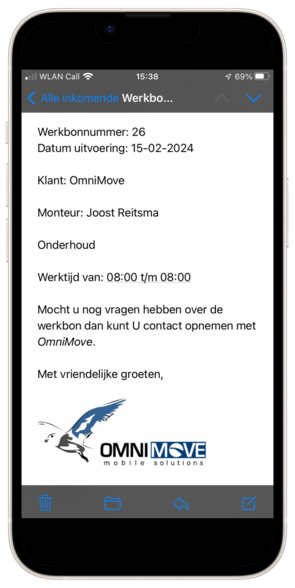
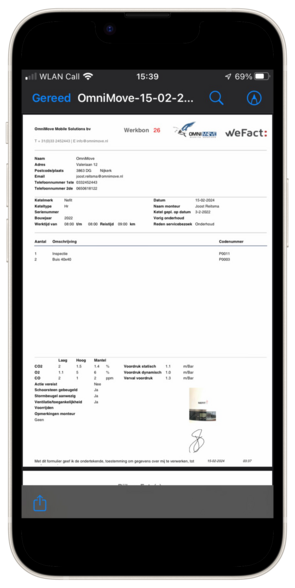
The work order is automatically emailed to the customer (including materials used, photos and signed work order)
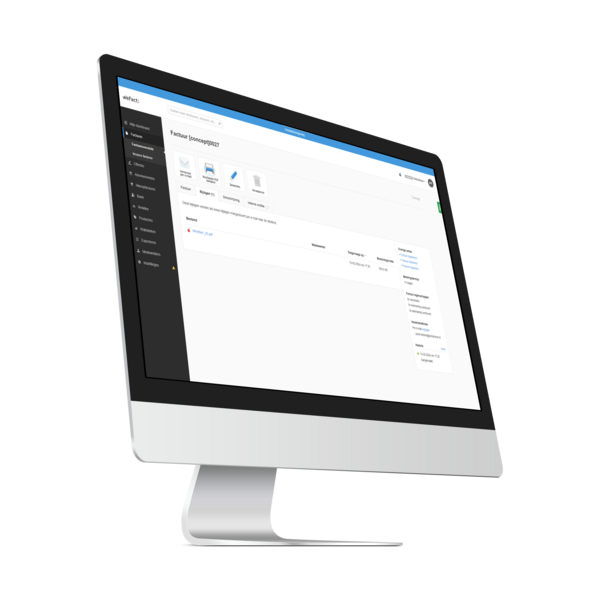
A draft invoice is automatically created in Wefact, including the PDF of the work order as an attachment to the invoice.
Functie | Toelichting | Inclusief |
|---|---|---|
| Form builder | We use a standard work order/inspection template that is customized specifically for your company. If you're handy, you can also make changes and applications yourself using administrator access in your own portal environment. | √ |
| PDF builder | By default, your work order and/or inspection document is sent to your customers in a beautiful layout of your company. If you're handy, you can also make changes to the PDF layout yourself. | √ |
| Automatic emails to yourself and/or customers. You can customize the email content yourself via our portal. | √ | |
| API | Retrieving data directly from Wefact such as customers, articles and/or other data that is available from the web service from Wefact, automatically creating draft invoices in Wefact and/or adding the PDF | √ |
| Templates | Unlimited number of templates. If you want to use not only your work order on your mobile device, but also quotes, technical recordings, transport, and 1001 other applications, you can create them yourself or have us customize them for you. | √ |
| Credits | Unlimited credits. You're not limited to a maximum number of credits per month. | √ |
| Support | Personal telephone support; easily get help from one of our employees at no extra cost | √ |
Monthly Cost - Per user - € 12,50 | ||
| ||
Onetime costs - From - € 250,00 | ||
| ||
Additional work - Per hour - € 85,00 | ||
| ||
Convinced?
Then take advantage of the OmniMove MobileForms trial offer! We are offering you two months use of MobileForms, including extensive instruction (whole day training).
Fill in the application form here to take up the trial offer.

![[Translate to English:] Wefact werkbon app](/fileadmin/images/partnerlogos/API_Datasource_Wefact.png)