OmniMove MobileForms
The most complete and flexible app platform for construction
We developed the OmniMove MobileForms platform specifically for construction.
For all inspections, QHSE inspections, work orders, audits, and other mobile digital forms during the construction process.
OmniMove MobileForms is used for:
- Infrastructure
- Civil
- Utilities
- Residential
- Maintenance/Service
- Management
Thanks to its ease of use and great flexibility, hundreds of templates have already been developed for the construction industry. This allows for optimal support of the construction process.
Our API/Data Source connector also allows for integration with other systems such as Relatics, Document Management Systems (Sharepoint), Exact and many others.
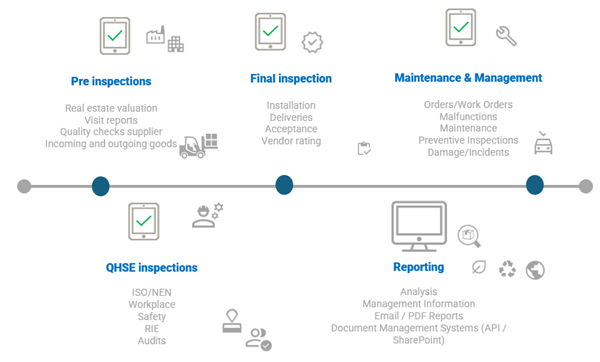
The 3-steps of OmniMove MobileForms
How does it work?
With OmniMove MobileForms, you can make your paperwork mobile and digital in just 3 steps. Create your own application within the app (Android, iOS) and enter all the information during a QHSE inspection yourself! The system offers numerous options, is extremely flexible, and ensures you don't need expensive customizations. If you prefer, you can easily make any changes in the app yourself, or you can use one of the various standard templates.
Your own app, fully tailored to your business processes, in just 3 steps:
Step 1 - Select the right template(s)
In the first step, we ensure you have the right template(s), fully tailored to your working methods and (construction) process. This template forms the basis for a uniform and efficient way of working throughout the entire project.
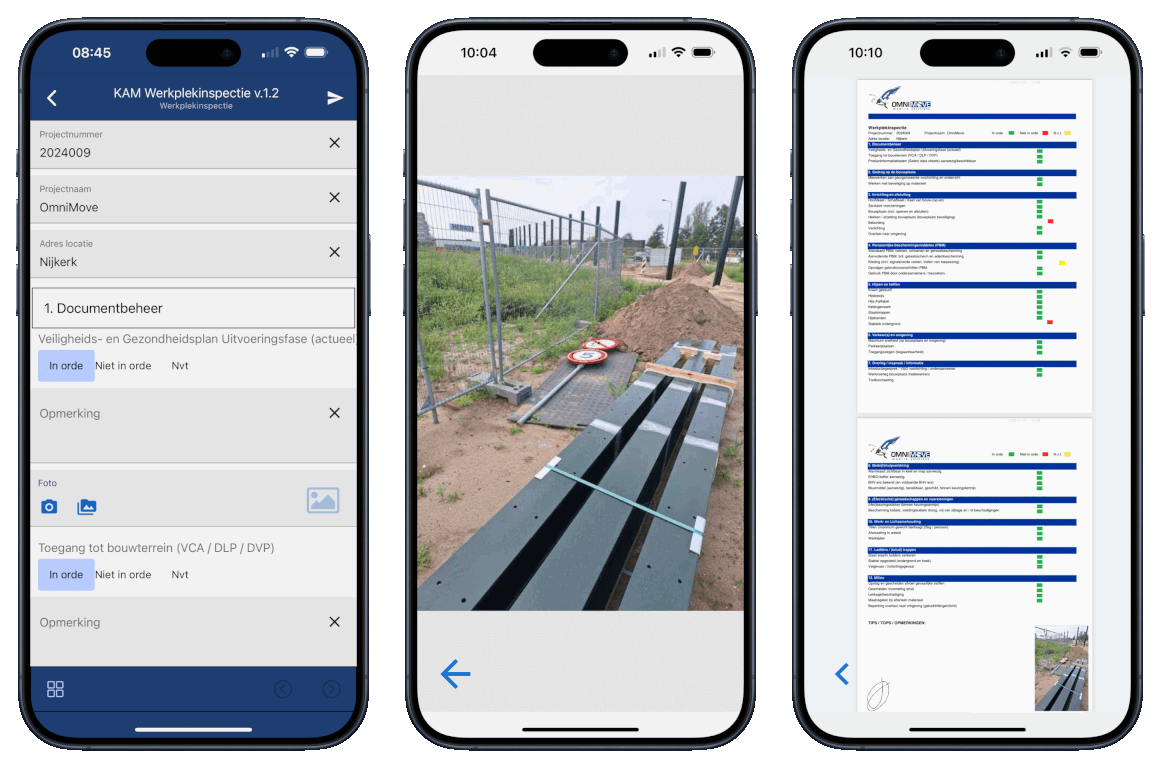
The goal is to support the inspector as best as possible. We do this by displaying precisely the information needed for a proper and complete inspection. Think of tasks, input fields, selection lists, photos, or tables – all clearly presented on a single screen. This information can be linked to other systems, ensuring perfect alignment.
You determine the template's appearance:
- What information is displayed?
- Which fields are required or read-only?
- Are tasks used or not?
- Which reports and integrations are required?
We usually start with an existing template, which we customize to your project or organization. After the initial setup, we explain step by step how everything works. This way, you can make changes yourself later or create new templates using our user-friendly form builder.
Examples of available templates:
Inspection and Observation Forms
- Workplace Inspection App
- Civil Workplace Inspection (FTTH)
- HAS Workplace Inspection (FTTH)
- Behavioral Observation
- Unsafe Working Conditions
- QHSE Inspections
- LMRA Inspections
- ZKM Forms
- NEN Forms / NEN 2767
- BIS Inspection
- HAS Inspection
- PoP Acceptance Forms
- '0' Measurements
- Site Survey
Inspections and Checklists
- Reinforcement Checklist
- Concrete Work Checklist
- Sewerage Checklist
- Explosives Checklist
- Water Management Checklist
- Foundation Checklist
- Bituminous Paving Checklist
- Groundwork Checklist
- Heading Checklist
Forms for Execution and Supervision
- Deviation forms
- Audit forms
- Start work form
- Concrete pour form
- Pour release
- Inspection app
- Inspection forms
- Damage reports
- Acceptance forms
- Pre-delivery
- Delivery forms
Work processes and reporting
- Daily report
- Time tracking
- Work order app
- Work orders (workflow: request, quotation, order, settlement)
- MOOR notifications (entering and executing workflow)
Other templates
- Emergency response round
- Construction site records
- Improvement proposal
- Attendance forms
- Toolbox meetings
- Identification forms
Step 2 - Performing the inspection
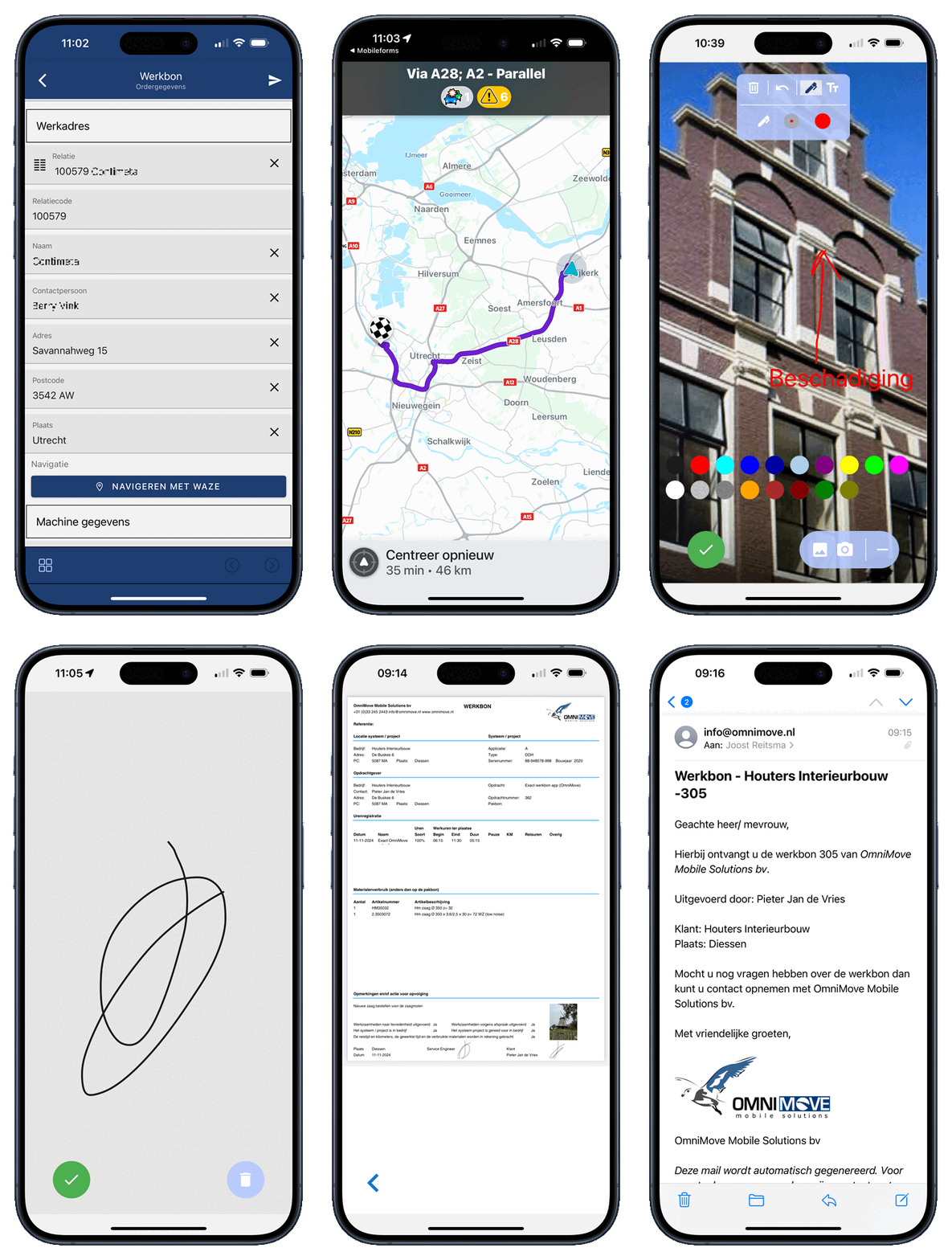
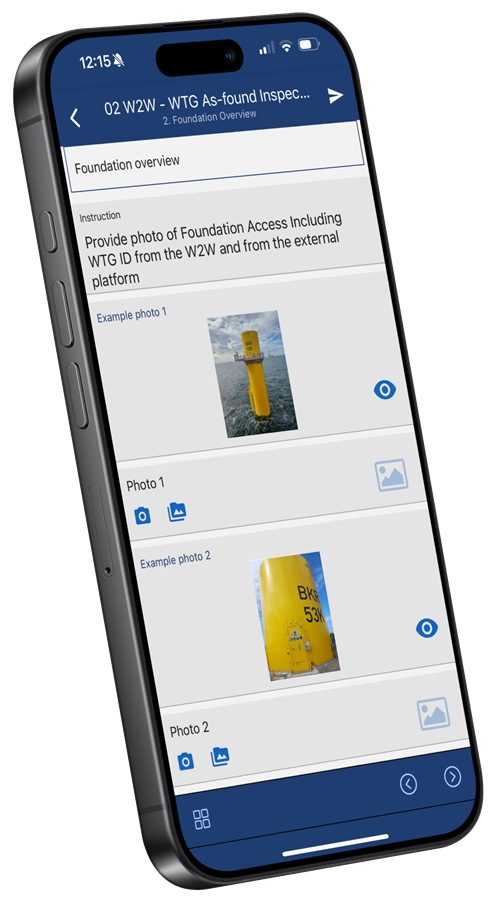
The inspector or contractor performs the inspection using a user-friendly app. This app uses a predefined template, allowing you to easily add photos, sketches, notes, and—if necessary—a digital signature.
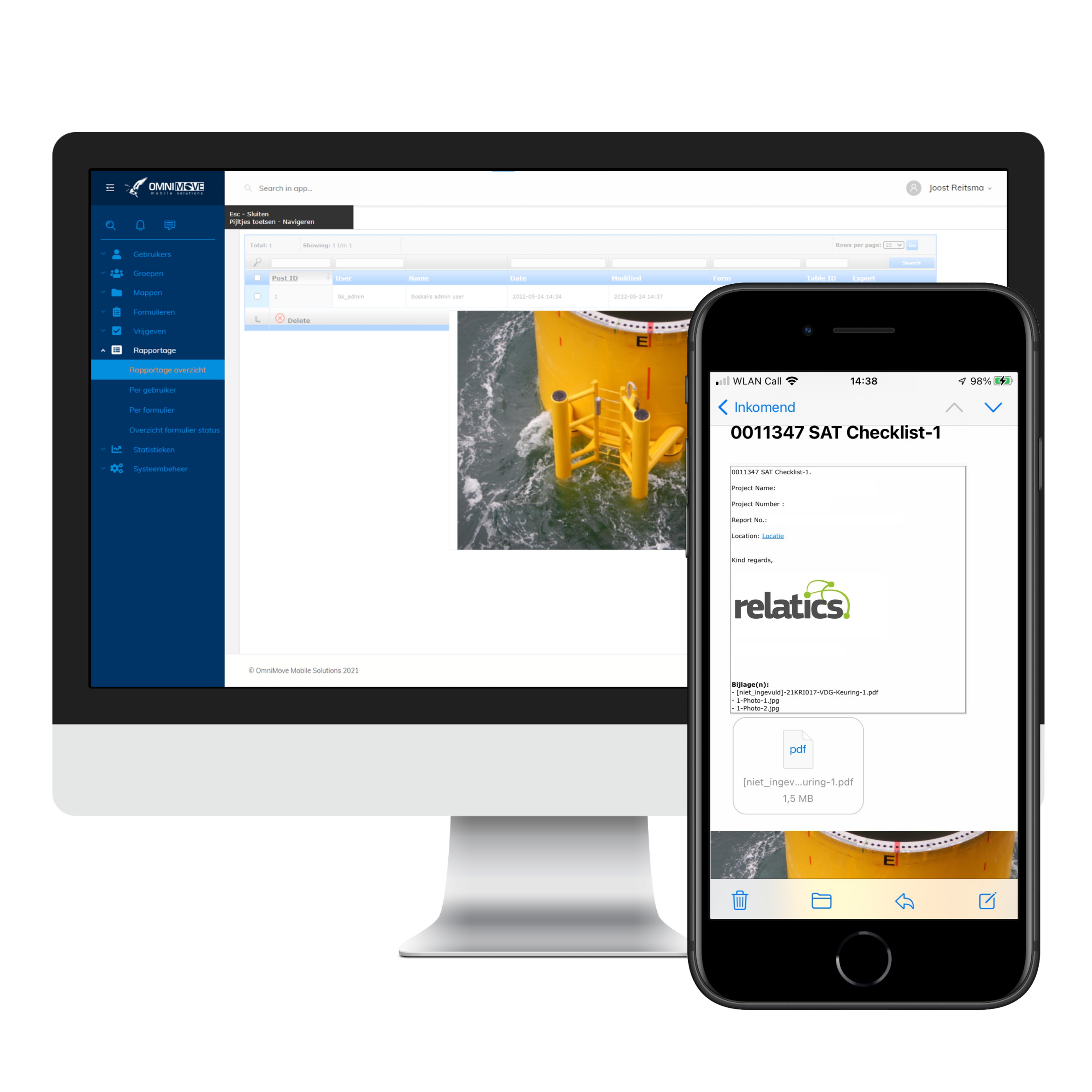
Registering an inspection has never been easier. Once the form is completed, it is automatically sent by email and uploaded directly to the web portal.
Step 3 - Analysis and Reporting
After completing the inspection, the data is automatically sent to the web portal – without any manual entry. The information is then generated in a custom PDF layout and/or automatically forwarded to other systems via a web service.
All data is easily accessible in the web portal. Thanks to the data source connector, connections can be made with systems such as Relatics, SharePoint, and other platforms. This ensures seamless integration within the QHSE construction process, ensuring all data is fully digitized.
This results in faster and better information, higher data quality, and a rapid payback period without major investments. This significantly improves the overall efficiency and effectiveness of the construction process.
References

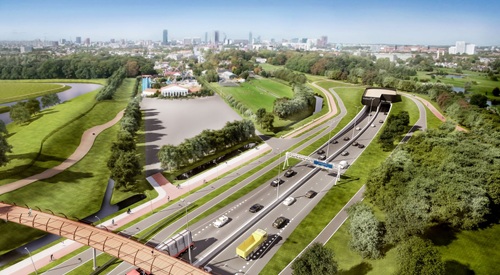
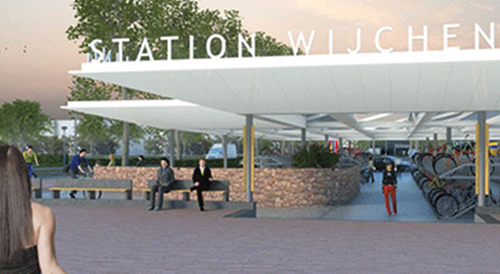

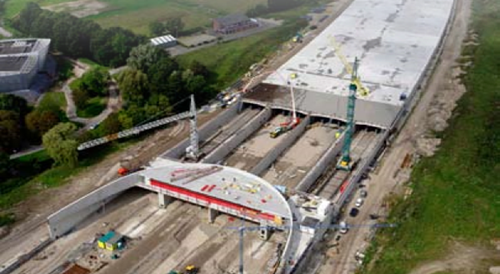
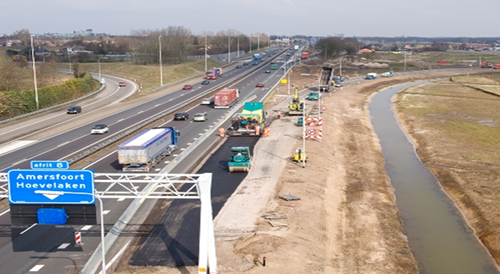


Networks
- Construction of (Offshore) Wind Farms
- Fiber Optic Network Construction
- Construction of Data Centers
- Construction of Power Grid Expansion
- Solar Parks
Rail
- End of Platform Facilities at NS Stations
- Zwolle Bus Bridge
- Kamper Line
- Public Transport Saal
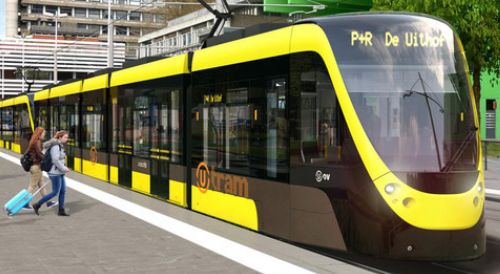
- Uithof Line
- Hanze Line
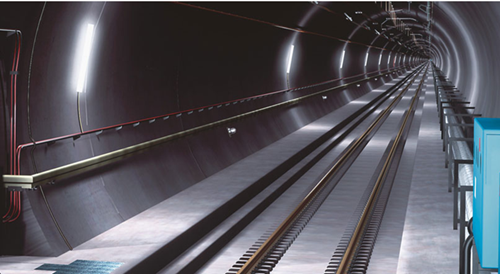
- St. Gotthard Base Tunnel
Water
- Twente Canals
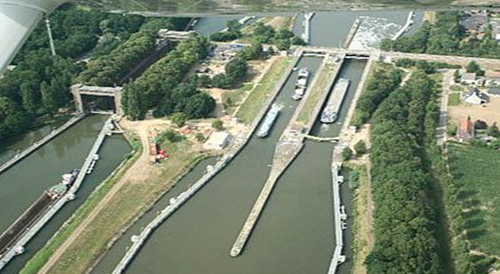
- Limburg Locks
- Heumen
Roads
- CIBOOR Haarlem
- Cadicom
- A2
- A4
- A12 Poort van Bunnik
- A15
- A27 Poort van Flevoland
- A28
- A74
- N33
- N366 Ter Apel
- N421 Connecting Road - Houten A12
- South Born Ring Road
- 2e Coen Tunnel
- Ekkersrijt
- Rotterdam Road
- Hanzeweg Deventer
- N18 Varsseveld
- Harselaar Barneveld
Construction utility of residential and commercial buildings
- PVT 't Gooi
- Gate Terminal
- Wijchen Parking Garage
- Erasmus MC
- Isala Clinics
- RWG Terminal
- De Bol
- Poptahof
- Overtoom City Garden
- Various Schiphol projects
Management/Maintenance
- Incidents in the Province of Brabant
- Road Management in the Province of Brabant
Replacement of Bus Shelters and Mupi Panels in Amsterdam
JCDecaux, commissioned by the City of Amsterdam, has replaced over 1,500 bus shelters and 450 Mupi information panels with new, modern models. Due to the city's high density of public transport stops and its complex infrastructure—including narrow streets, canals, and tram lines—this was a highly challenging logistical operation.
Smart Support with OmniMove MobileForms
For efficient execution, BAM used the digital inspection platform OmniMove MobileForms, which ensured smooth and accurate installations:
- Tasks from JCDecaux are automatically imported
- Work crews receive the correct assignments instantly
- Photos and GPS data are automatically recorded
- Reports are generated in PDF and viewable via Google Maps
- All data is automatically shared with JCDecaux
Featured by Discovery Channel
The entire process—from design and production to planning and installation—was captured by Discovery Channel. Watch the video above for a behind-the-scenes look at this impressive project.
Convinced?
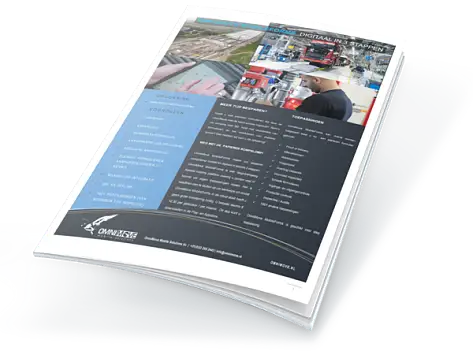
Download the brochure, contact us or use a free demo and see for yourself how easily you can save time and therefore money by allowing your field workers to work very efficiently.