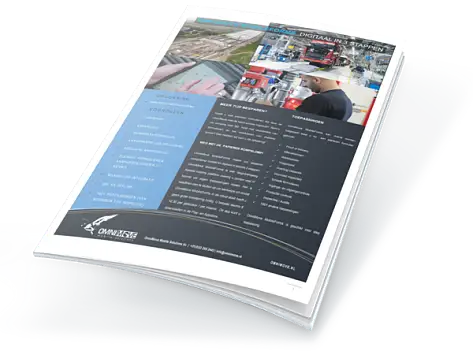
SAVE MORE TIME?
Are you dealing with countless inspections that are filled in manually? Are you spending unnecessary time collecting forms and photos? Or do you want the freedom to perform inspections without being dependent on a stable internet connection? We have the solution for you!
APPLICATIONS
With more then 15 years of experience as mobile app partner of Relatics, we offer standard templates that can easily be filled in offline.
Perfect for:
- Inspections
- And many more applications!
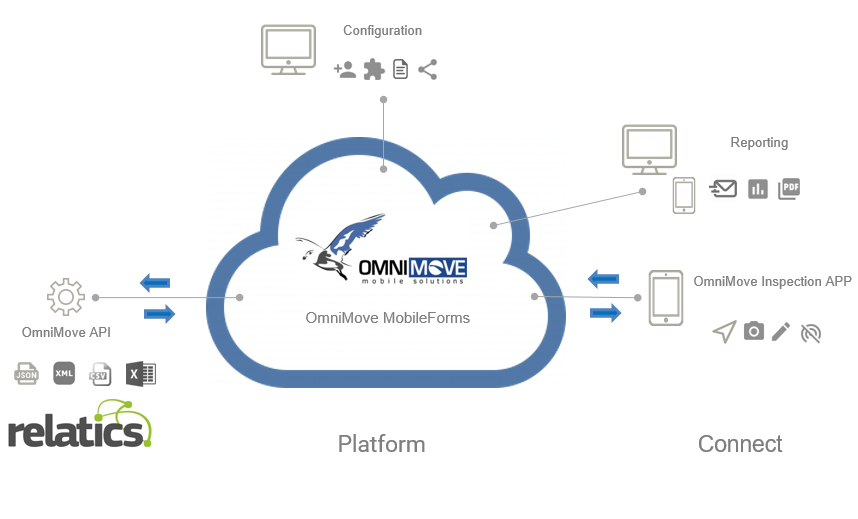
OMNIMOVE MOBILEFORMS PLATFORM
The OmniMove MobileForms platform is a user-friendly and flexible mobility platform. You can create your own applications without IT knowledge. Thanks to the API/Datasource connector, you can easily connect to Relatics. This allows you to seamlessly exchange essential data, such as project information and inspections.
Advantages:
- Automatically retrieve data from Relatics
- Return completed inspections to Relatics
- All inspection results can be requested in the portal and can be automatically emailed to all parties involved
- Full automation of your inspection process
- Customized management
With the management console, you ensure that users have access to relevant applications and information. The application manager can easily make changes and create new applications with the handy form builder. In addition, you can always count on the expertise of OmniMove specialists.
Standard functions that are supported include:
- Inspections and orders with the API/Datasource connector
- Text fields, dropdowns and radio buttons
- Mandatory fields and signatures
- Barcode scanning and photo upload
- Easy navigation
Download the OmniMove MobileForms App now
Available in the Play and App Store! After logging in, the correct applications are automatically shown, pre-filled to make it as easy as possible for the user. Add additional information, such as comments, photos and/or signatures.
After sending, you will automatically receive a PDF report in your own layout, and the data is immediately updated in Relatics with the API/Datasource connector.
Make it easier for your team, save time and increase efficiency with the Relatics Inspection App! Contact us today for more information.
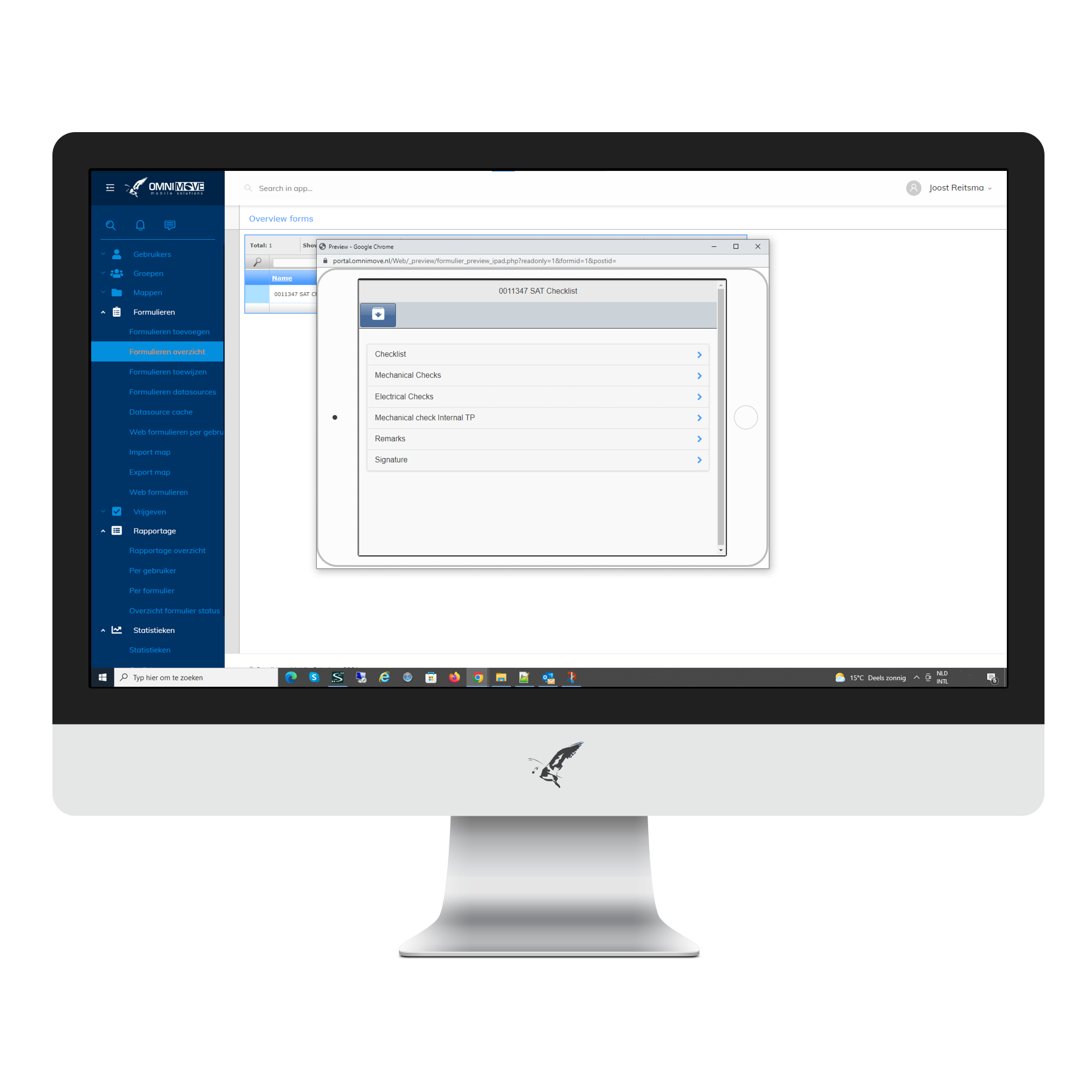
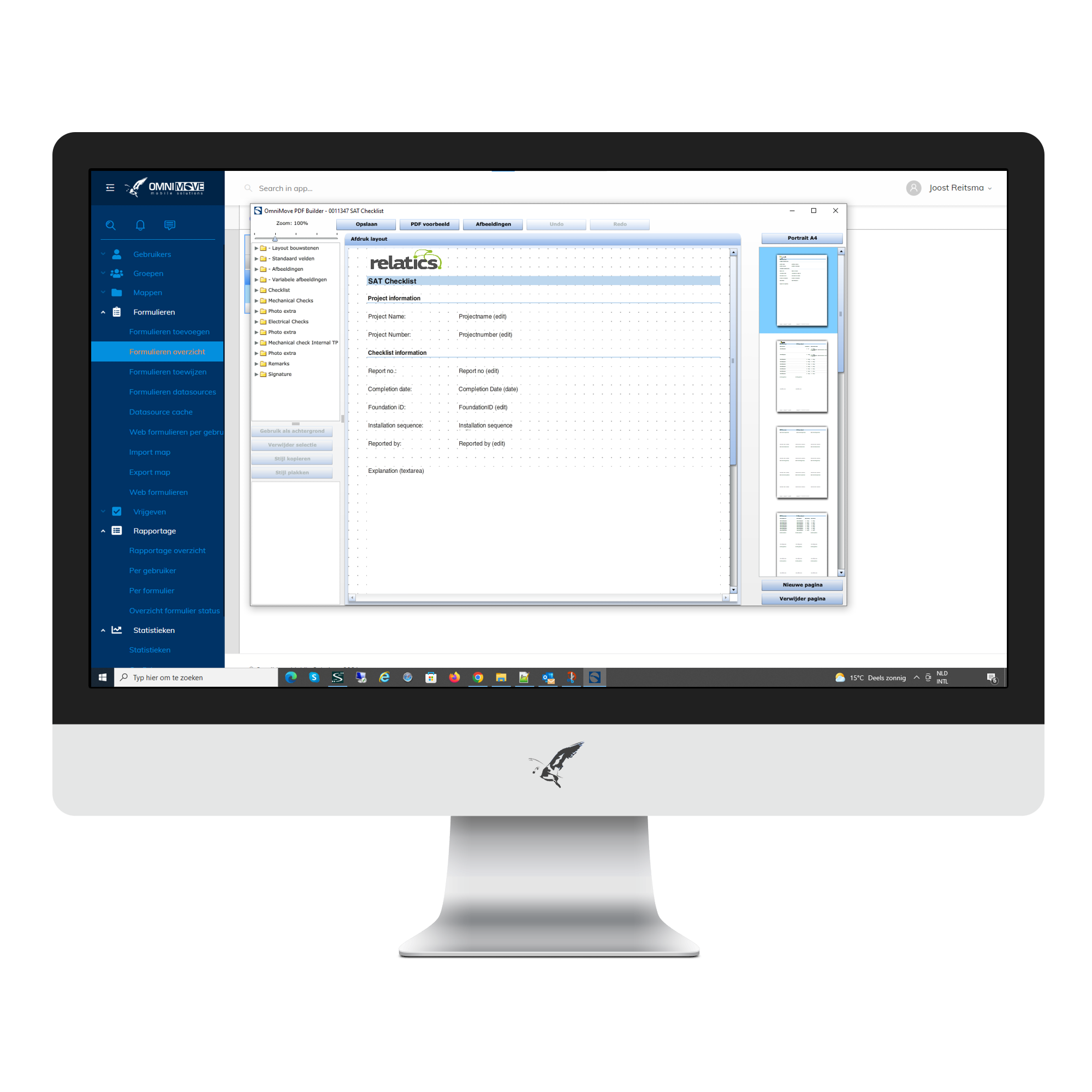
STEP 1 CONFIGURE THE INSPECTION TEMPLATE(S)
Start by setting up the right inspection template(s) and process flow, tailored to your specific project requirements. This can be done quickly and easily, with or without our help.
What you can determine:
- Which web services are called from Relatics.
- Which data should be filled in automatically.
- What can be changed and which fields are mandatory.
- Data that must be returned.
- Project mail that can be forwarded to SharePoint via Power Automate, so that the PDF of the inspection and associated photos can be easily shared with the client.
With our user-friendly form builder, you can flexibly adjust the templates to new requirements.
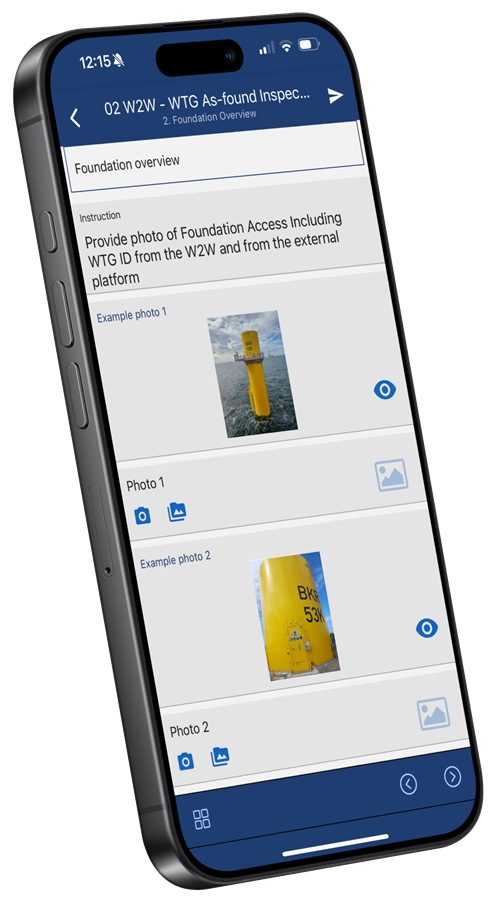
STEP 2 INSPECT (ALSO OFFLINE!)
Select the inspection with pre-filled project data and inspection points from Relatics. Approve each inspection point, add comments, photos and signatures, and close the inspection.
Benefits:
- Inspections with the right photos linked to the right inspection point.
- Inspections have never been easier!
STEP 3 REPORT
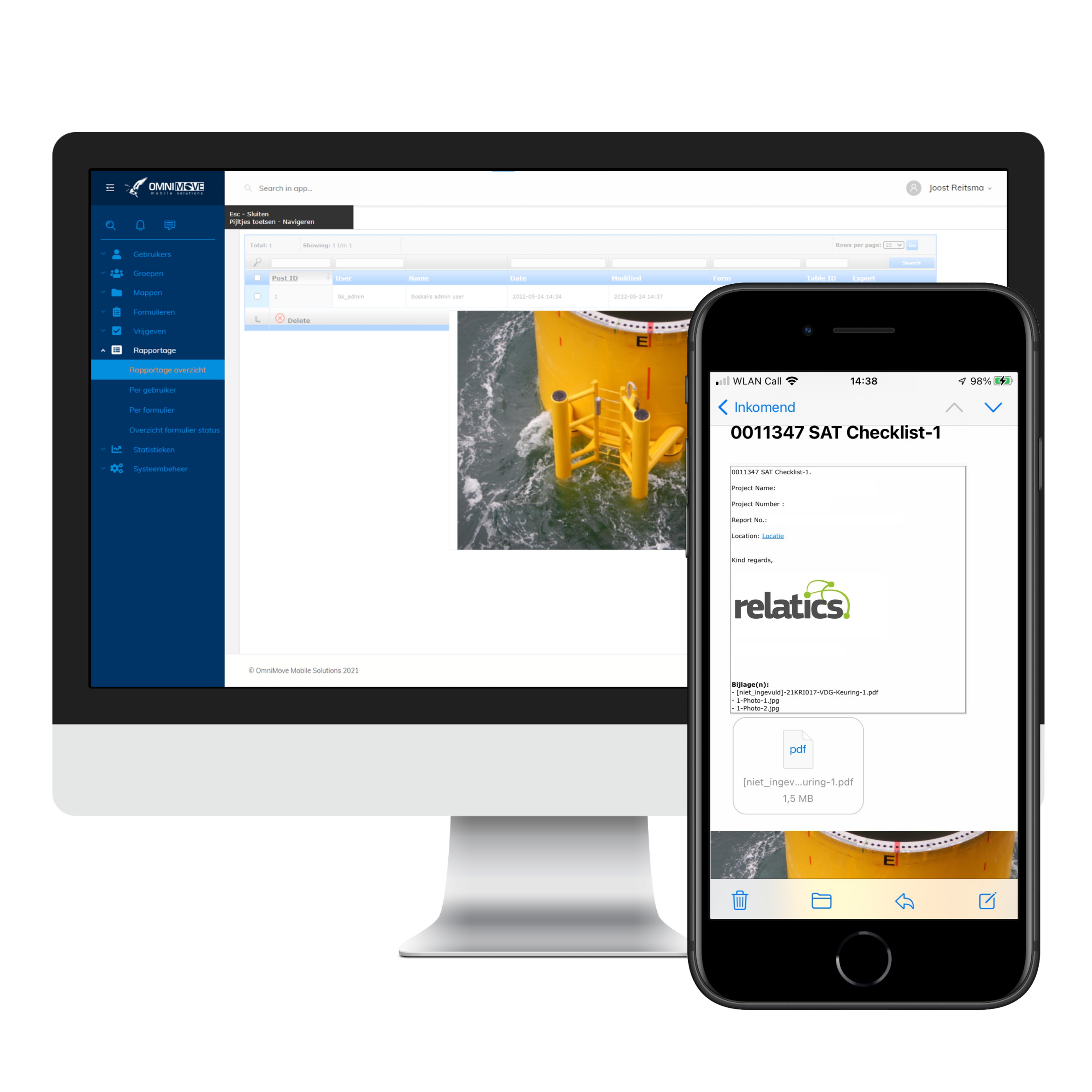
- Receive an email with the PDF report (by Power Automate it can be automatically uploaded to SharePoint).
- Data is automatically updated in Relatics with the web service.
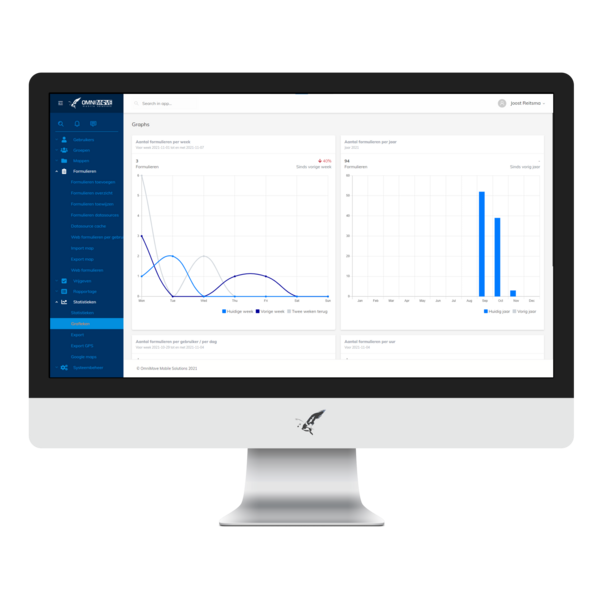
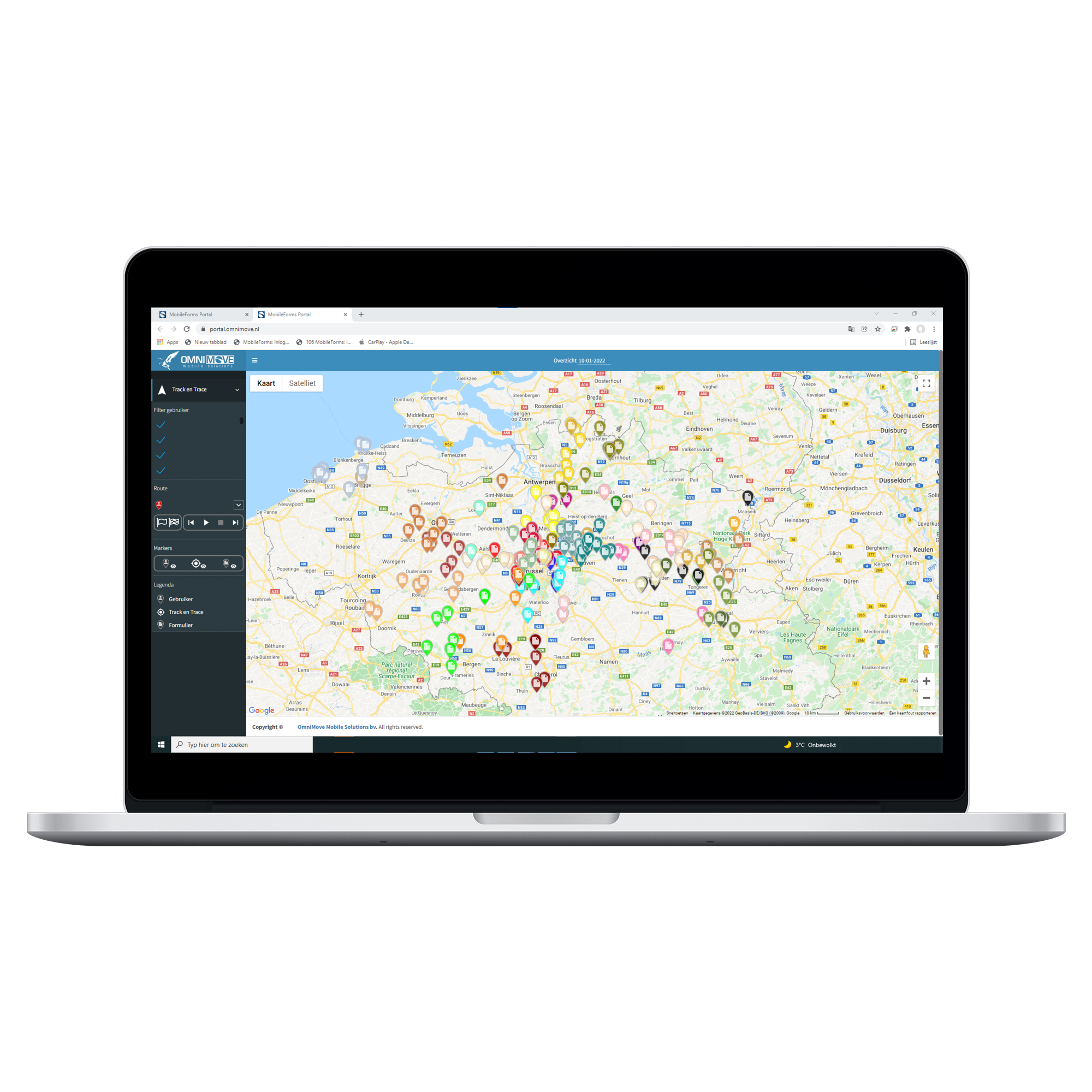
- All information can be requested in the portal.
Experience the speed and efficiency: everything is automatically and correctly updated, faster than with paper!
Convinced?
Download our brochure, contact us, or request a free demo. Discover for yourself how you can save time and money by making your inspectors work efficiently!