OmniMove MobileForms for service-driven businesses
The all-in-one solution for efficient mobile service processes
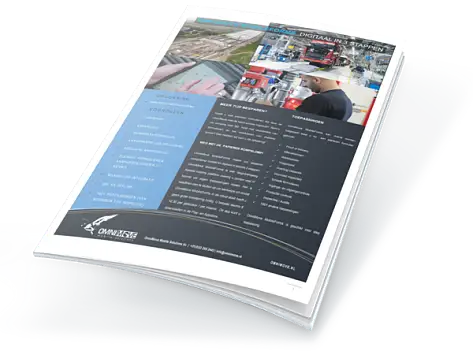
The work order and inspection app for service!
For all companies that work with paper-based inspection work orders, we have developed the OmniMove MobileForms service. This allows you to easily and efficiently process and digitize the paperwork flow in your organization.
Using the various components and objects within OmniMove MobileForms, the app is customized specifically to your specific needs. As a result, orders are processed faster and invoiced more quickly! This makes OmniMove MobileForms an application that immediately generates revenue for your company.
OmniMove MobileForms is ideal for service companies to easily reduce paperwork and optimally support company-specific service processes.
Scheduling
OmniMove can be integrated with various scheduling systems. Using a schedule is optional. From very simple static scheduling in Excel to advanced dynamic scheduling systems where, for example, many malfunctions are planned for a short period of time and optimally scheduled for the right technicians on the right route. Master data such as objects can also be maintained in OmniMove MobileForms. More information.
Navigation
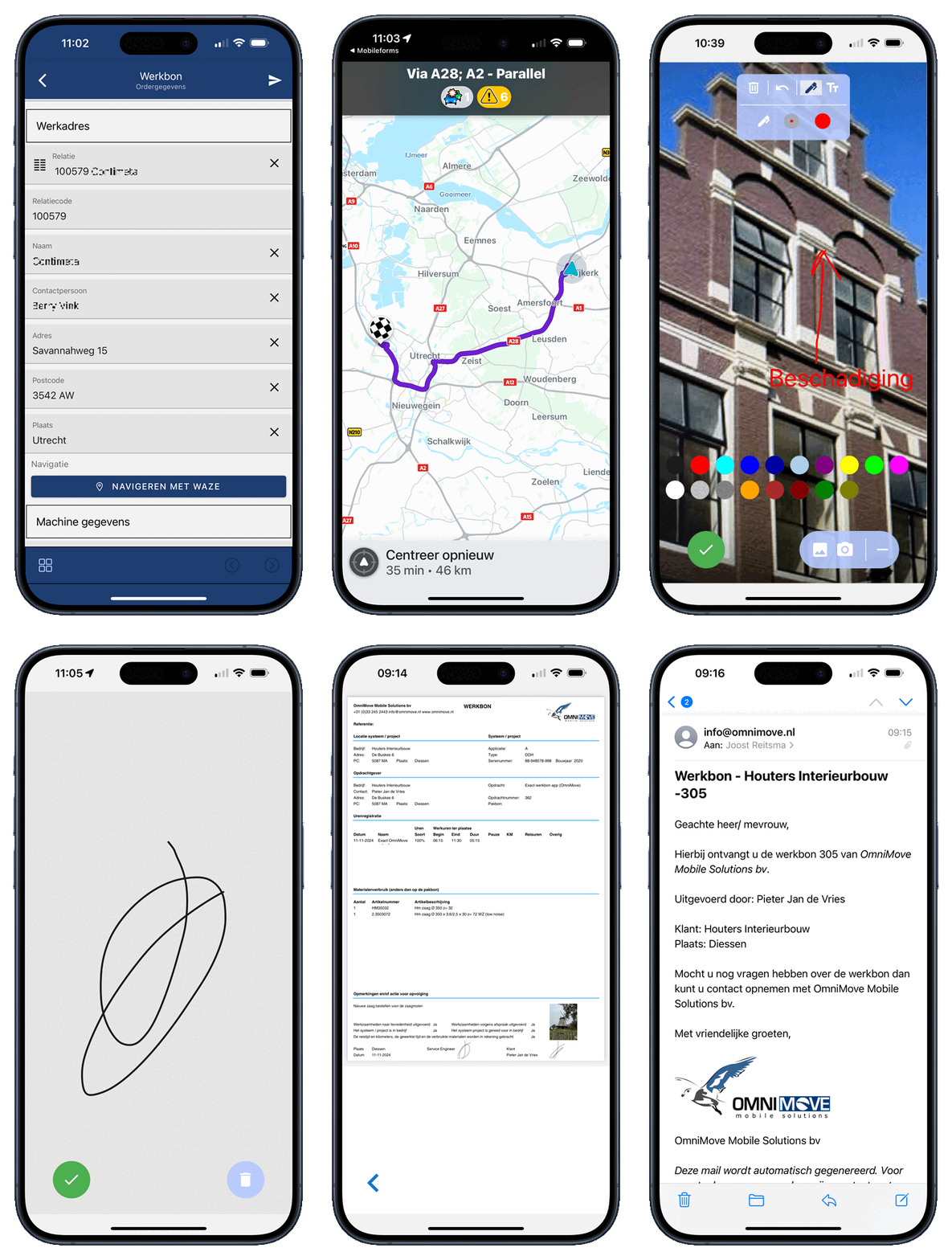
OmniMove has a standard integration with Google Maps and Waze. This allows automatic navigation to the address of the job or, if an object malfunctions, to the GPS location of that object.
Service/Work Orders
OmniMove supports all different types of work within the service:
- Installation
- Malfunctions
- Preventive/Corrective Maintenance
- Time Tracking
- Materials
- Kms
- Problem Tracking
- Cause
- Repair Codes
- Photos
- RFID/Barcode
- Checklists
- Digital Signature
- Automatic Email with PDF in your own format
We use a standard work order app and configure it specifically to the customer's needs for more information.
Other Applications
In addition to the work order app, you can easily add 1001 other types of documents yourself (or with our help). You can easily add these yourself in just 3 steps.
The 3-steps of OmniMove MobileForms
How does it work?
With OmniMove MobileForms, you can make your paperwork mobile and digital in just 3 steps. Create your own application within the app (Android, iOS) and enter all the information during a service visit yourself! The system offers numerous options, is extremely flexible, and ensures you don't need expensive customizations. If you prefer, you can easily make any changes in the app yourself, or you can use one of the various standard templates.
Your own app, fully tailored to your business processes, in just 3 steps:
The 3 steps
Step 1: Configure
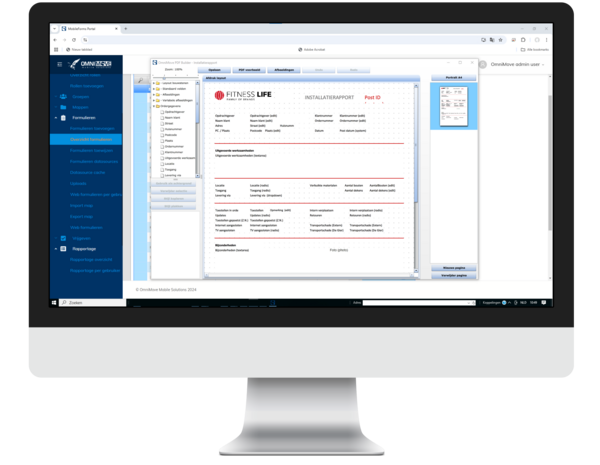
In this first step, the right template is selected and fully customized to the specific needs of your service, including PDF reports in your own style. If desired, links are created with other systems for seamless integration. When orders are received, they are automatically distributed to the technicians via the dispatch function. You can easily add any changes or new forms (such as additional inspections) yourself.
Service Applications
Some examples of supported applications:
- Work Orders
- Installation
- Time Tracking
- Material Tracking
- Mileage Tracking
- Questionnaires
- Audits
- Photos
- Inspections
- Recordings
- Quality Inspections
- Safety Inspections
- Delivery
- Predictive Maintenance
With this system, you have complete control over your service processes and can act efficiently and quickly, with all the necessary data immediately at your fingertips.
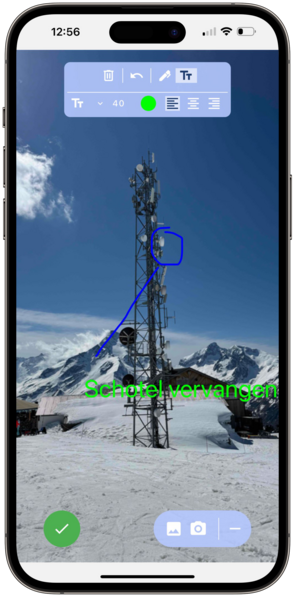
Step 2 – Enter work orders, inspections, and more: all in one app
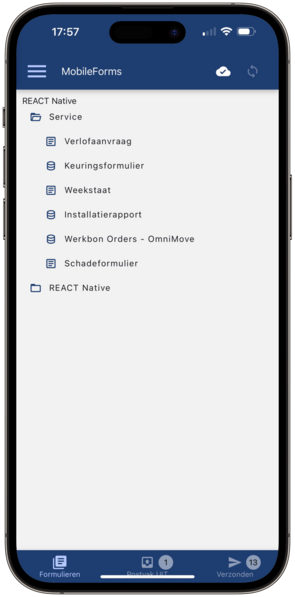
The work order and inspection app
The technician completes the work order or inspection digitally via the app. This includes:
- Work performed
- Time tracking
- Material consumption
- Inspections
- Digital signature of the customer or client
Once the job is approved, the form is automatically sent to the web portal. Everything is simple, fast, and completely digital – directly from the app.
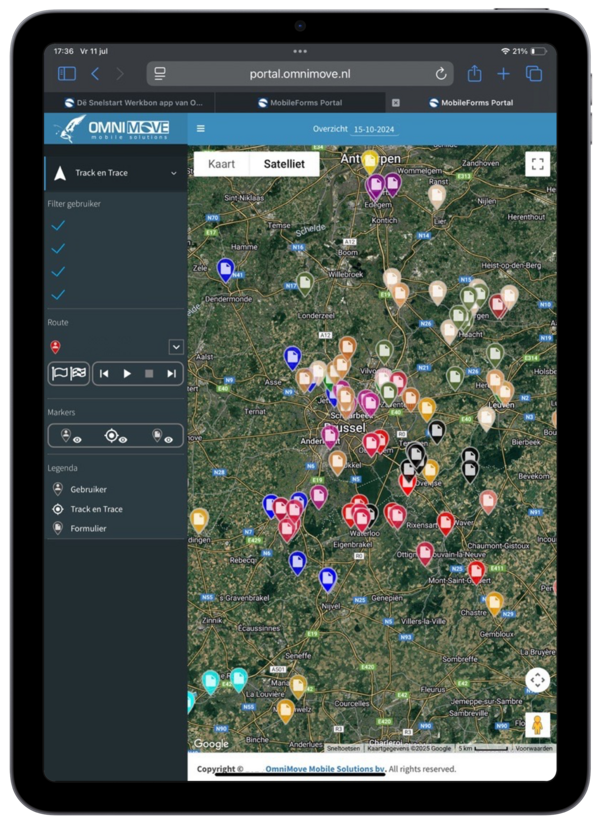
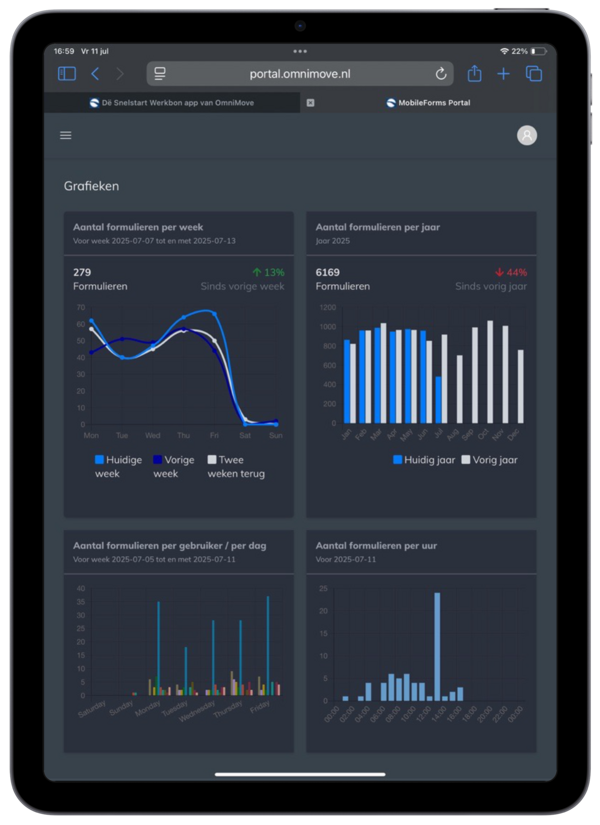
Step 3 Reporting
Automatic processing of forms and work orders
The data entered on a work order, inspection form, or other digital form is automatically sent in your own PDF layout. This PDF is emailed directly, and the entered data is automatically forwarded to your (service) system.
Fully customizable PDF layout
The PDF layout can be fully customized and fully aligned with your company's corporate identity and needs. View an example of a work order in PDF format here.
Continuous insight into your data
Data such as track & trace and photos are easily retrieved. You can see exactly where and when a form was completed—ideal for transparency, follow-up, and reporting.
Ecowater is the market leader in water softeners. Ecowater has a team of professional service engineers for the maintenance of these units, serving both residential and industrial clients. The company is convinced of the digital revolution and has decided to use tablets.
OmniMove MobileForms is used by 60 users and is integrated with Ortec Field Service planning and Ecowater's ERP system.
OmniMove MobileForms is used for the following applications:
- Service and work orders
- Quote requests
- Installation/installation reports
- Maintenance contracts
- Returns
- Incident reports
- Order forms for tools, consumables, documents, and brochures
- Salt changes
- Vehicle damage report
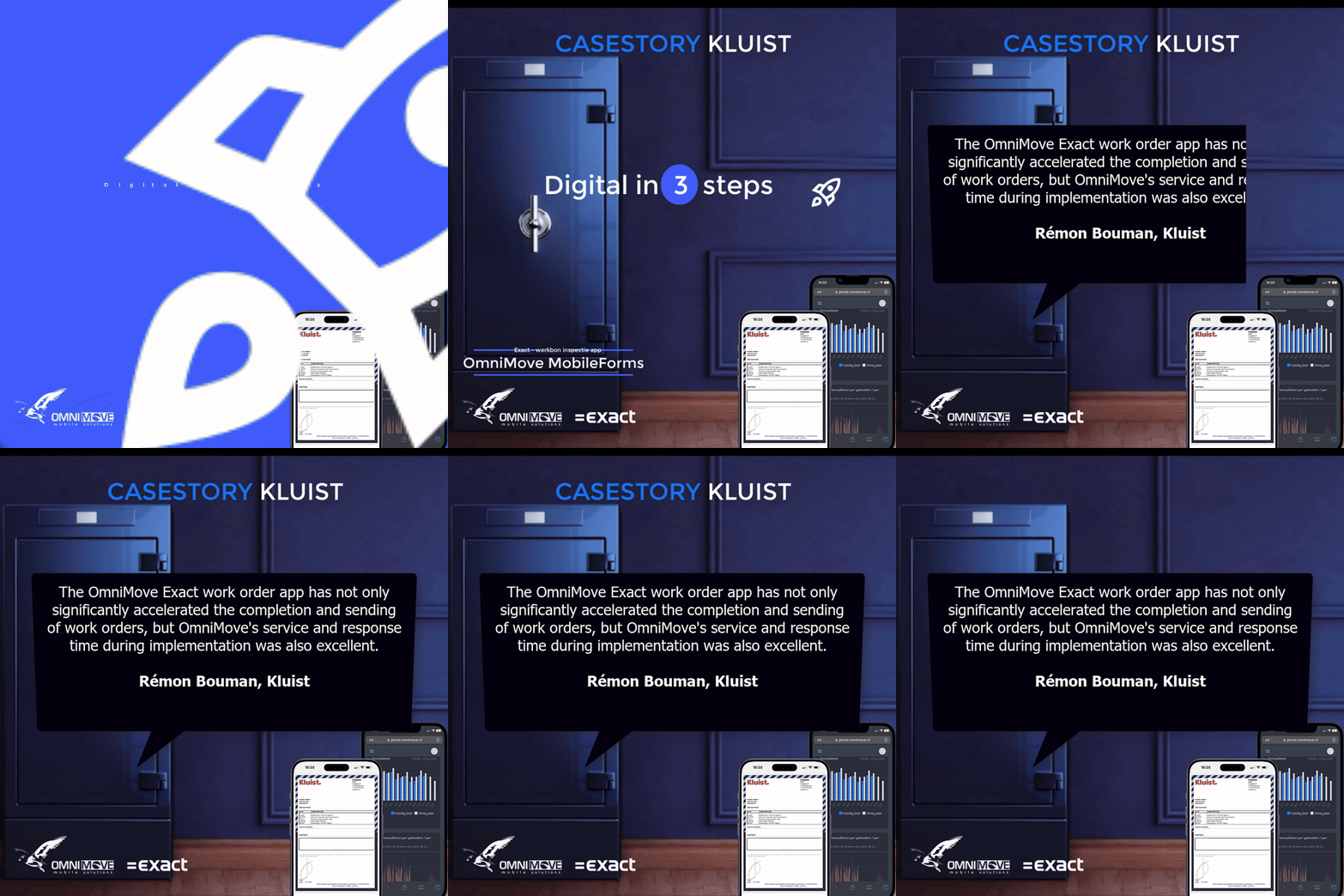
Kluist, a specialist in safe sales and installation, previously worked with paper work orders – a time-consuming and error-prone process. Because standard work order software wasn't sufficient, Kluist sought a solution that complemented their Exact Online usage.
The collaboration with OmniMove resulted in a customized Exact work order app. Technicians can now easily complete work orders digitally and have them signed on-site. This saves time, increases accuracy, and improves customer service.
Result:
- Faster and error-free work order processing
- More efficient working methods
- Excellent support and response time from OmniMove
The collaboration with OmniMove has truly improved our processes.— Rémon Bouman, Kluist
Convinced?
Download the brochure, contact us or use a free demo and see for yourself how easily you can save time and therefore money by allowing your field workers to work very efficiently.